
Getting Started
Guides for authoring, running and analysing tests across web automation, API and performance — plus setup, collaboration and release notes.
Run Your First Test
Validate your Bitassert setup end to end by executing a test in the correct project context and confirming that execution starts, progresses, and completes with visible status and result output.
Queued
The run request has been accepted and is waiting for execution to start. In this state, the run is registered in the lifecycle but has not begun active processing yet.
In Progress
The run is actively executing and producing runtime updates. Status and intermediate execution details continue to update until the run reaches a terminal state.
Completed
Execution finished successfully and final result data is available for review in Test Results.
Cancelled
Execution was stopped before normal completion (for example, user-triggered cancellation or queue-time cancellation), and the run is recorded with a cancelled end state.
Run Test
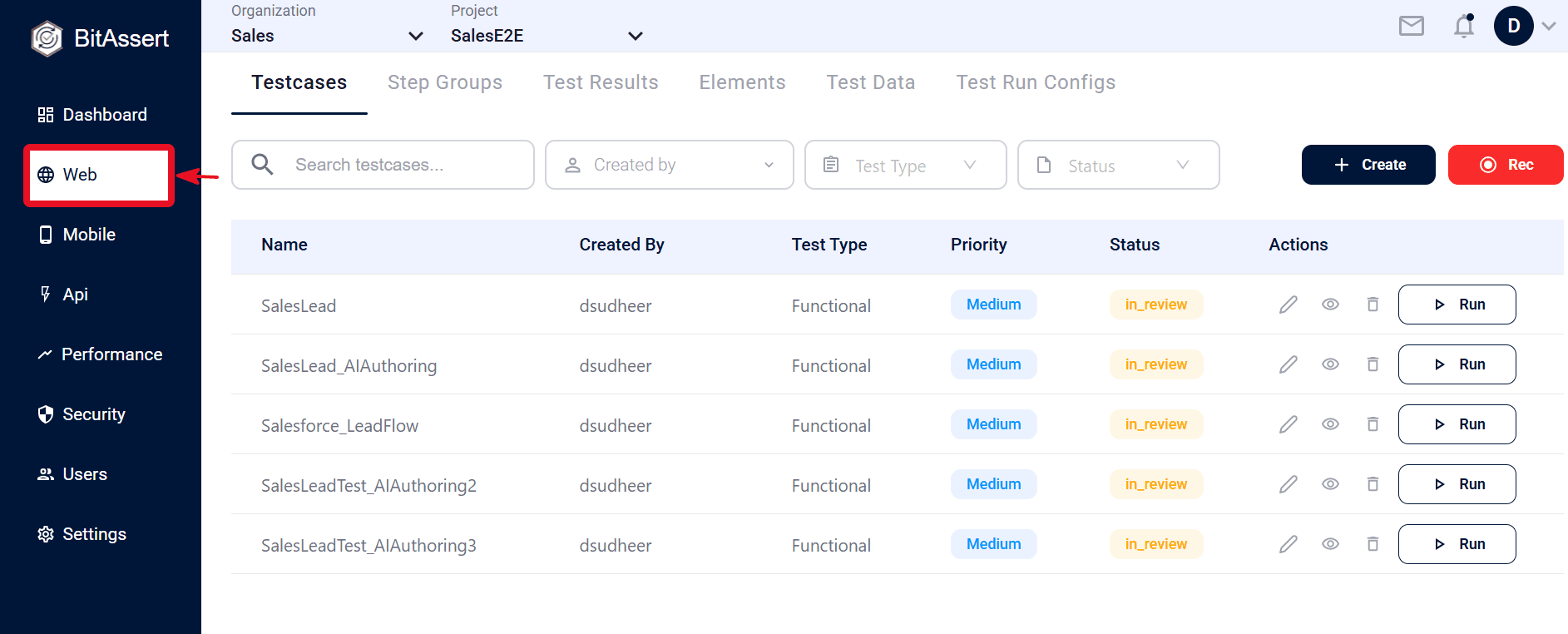
- Open one module (Web/API/Performance) .
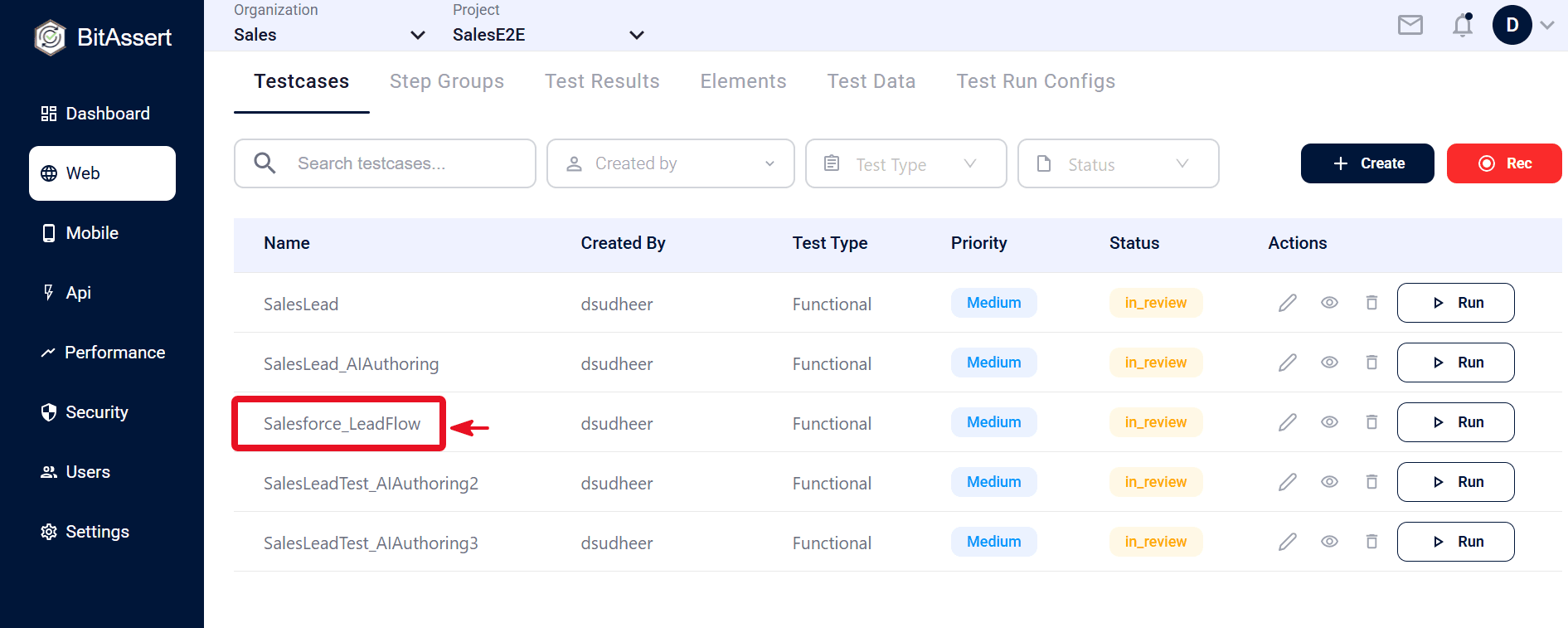
- Create or open a Testcase.
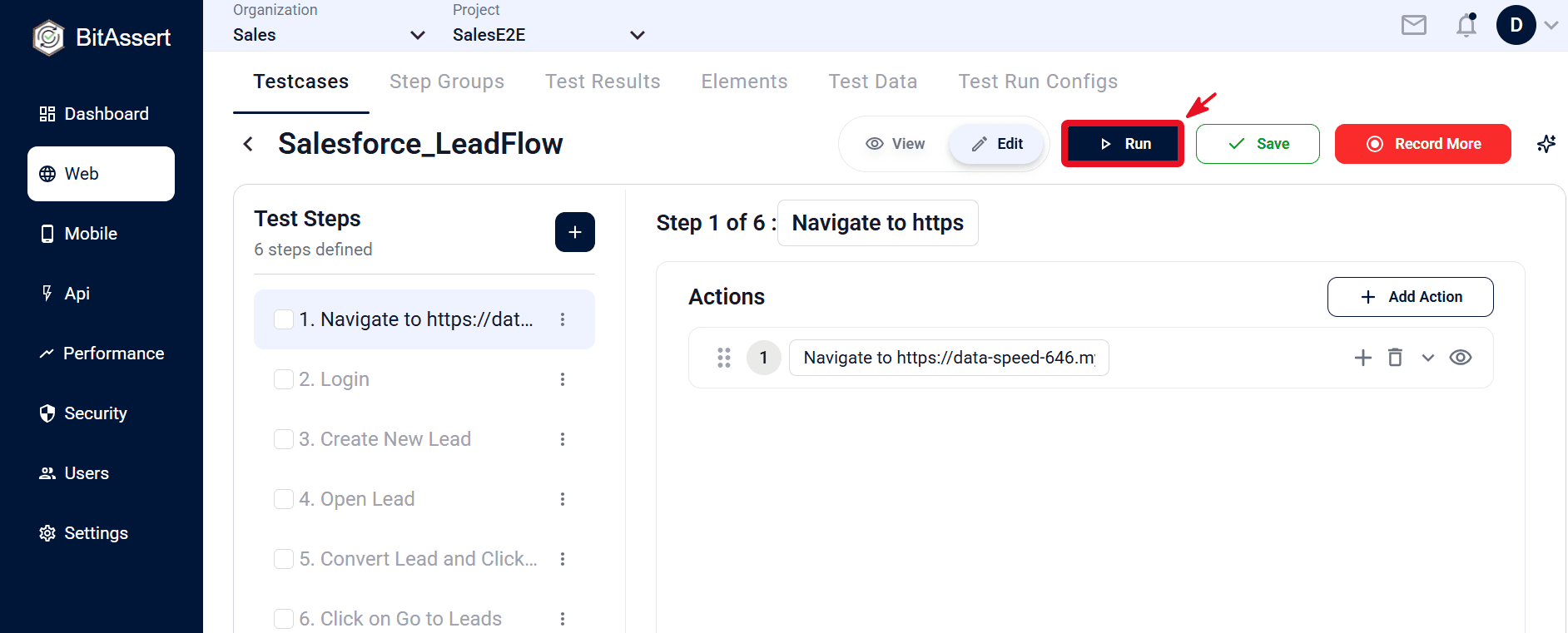
- Click Run, then choose Cloud or Local Agent. For cloud runs, add a Tag and select a Test Run Config (see ).
- Monitor status (queued → in progress → completed/cancelled).
Expected outcome
A run entry is created and appears in Test Results.