
Documentation
Getting Started
Guides for authoring, running and analysing tests across web automation, API and performance — plus setup, collaboration and release notes.
Account Setup and Login
Set up and sign in to your Bitassert account to access and use project modules.
Create Account
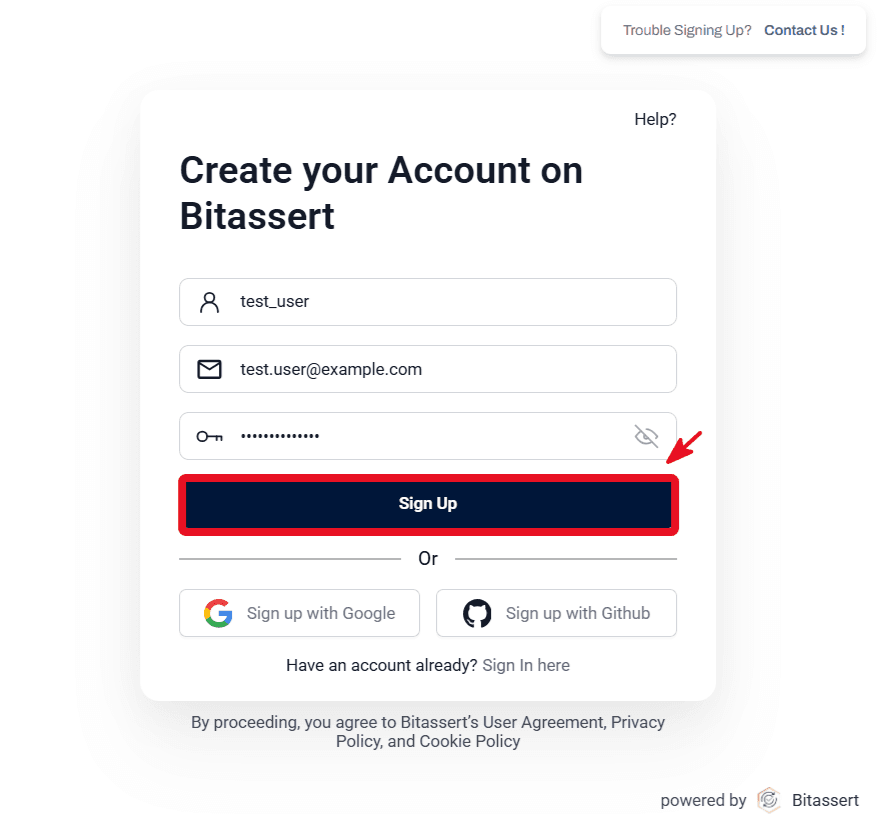
- Open the Bitassert sign-up page.
- Enter your Username, Email, and Password in the appropriate fields.
- Click on the Sign Up to create your account.
Note:
- Password must be at least 8 characters long and contain at least one uppercase letter, one lowercase letter, one digit, and one special character (@$!%*?&#).
- Verify your email using the confirmation link and Activate your account.
Add Account
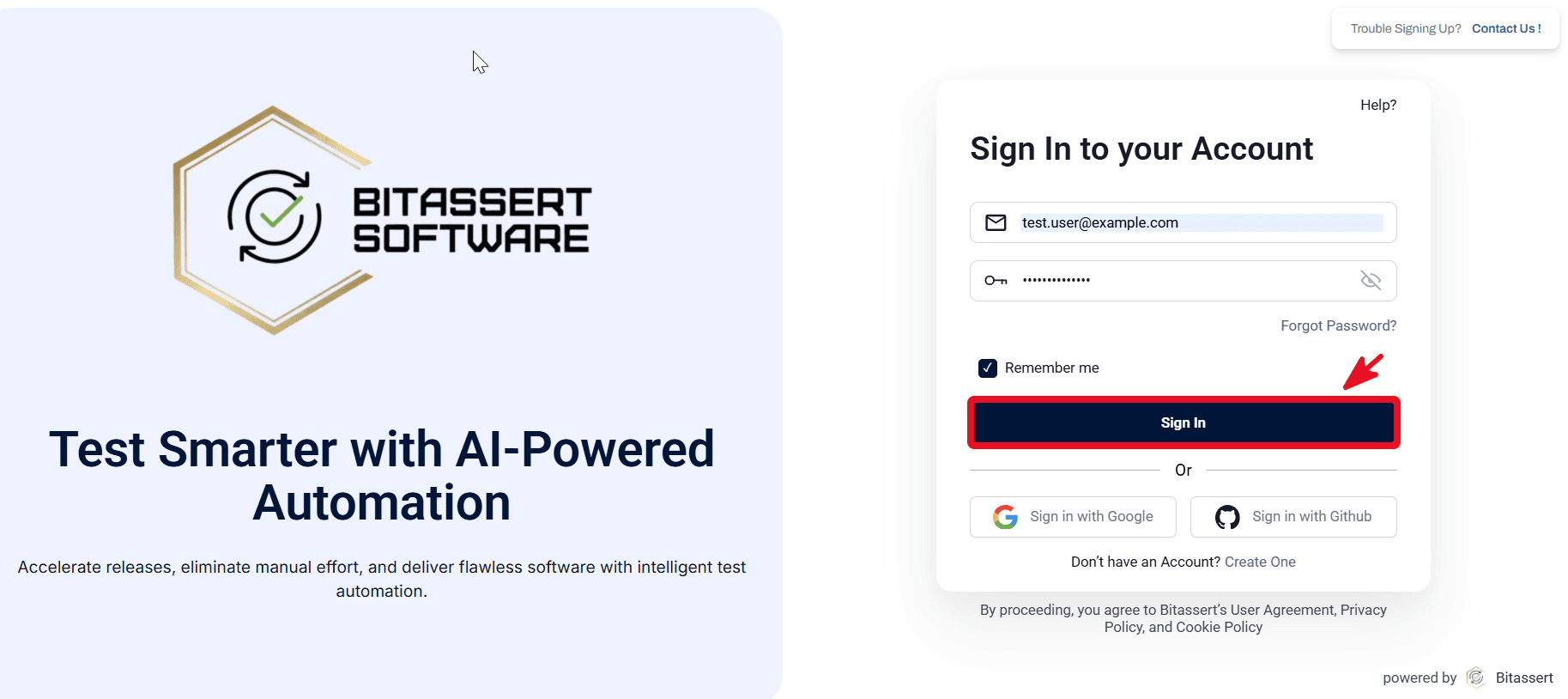
- Open Bitassert login page.
- Enter credentials and Sign In.
- Verify access to organization/project context.
Expected outcome
User can access Web/API/Performance modules based on assigned access.