
Documentation
Collaboration & Access
Guides for authoring, running and analysing tests across web automation, API and performance — plus setup, collaboration and release notes.
Pending/active invite flows
Monitor invitation lifecycle from pending to active and confirm user onboarding is completed with the intended role/access at the correct scope (organization or project).
Steps To Track Pending and Active Invites
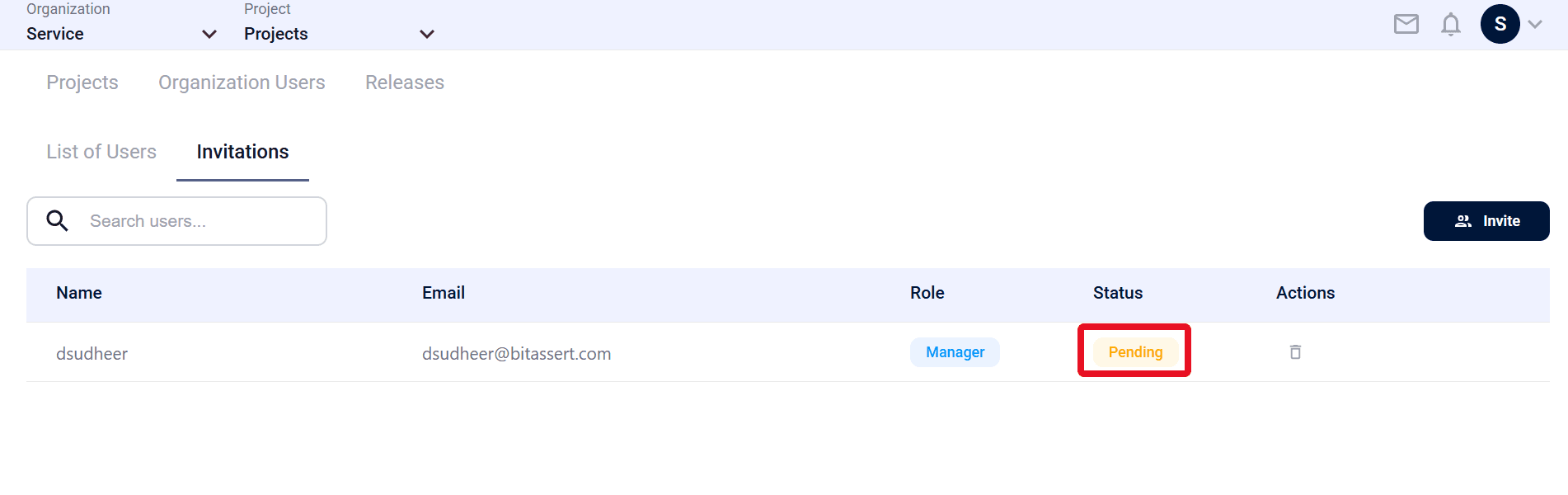
- Navigate to Operations > Organization Users > Invitations.
- Verify invite status.
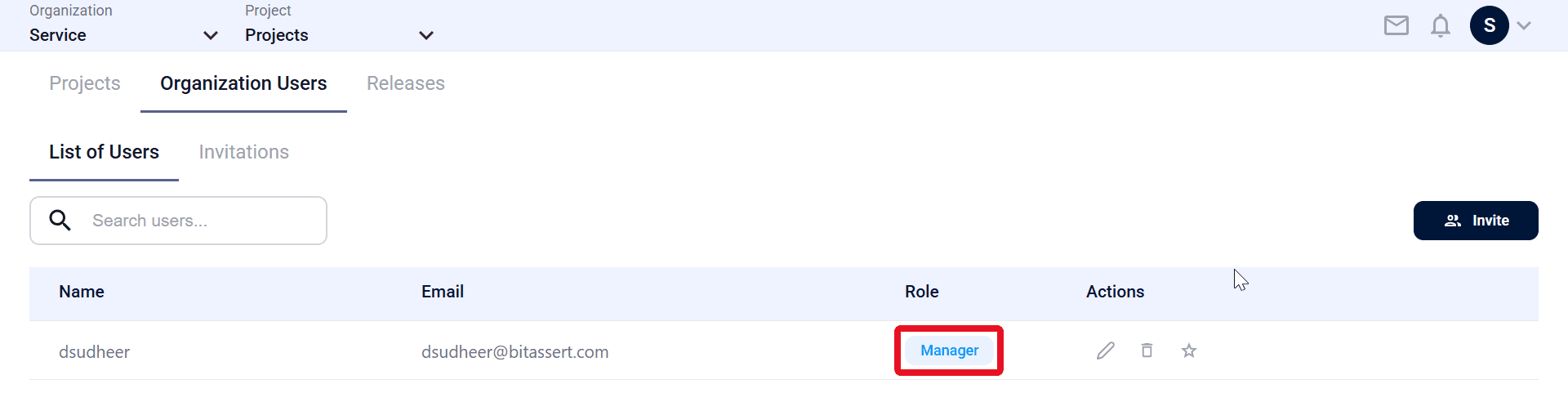
- After the invited user accepts the invitation, go to Operations > Organization Users > List of Users and confirm the user appears in the list of users.
- Confirm the user’s assigned Role is correct.
Expected outcome
Accepted invites move from pending to active user list.