
Documentation
Organization Management
Guides for authoring, running and analysing tests across web automation, API and performance — plus setup, collaboration and release notes.
Team management
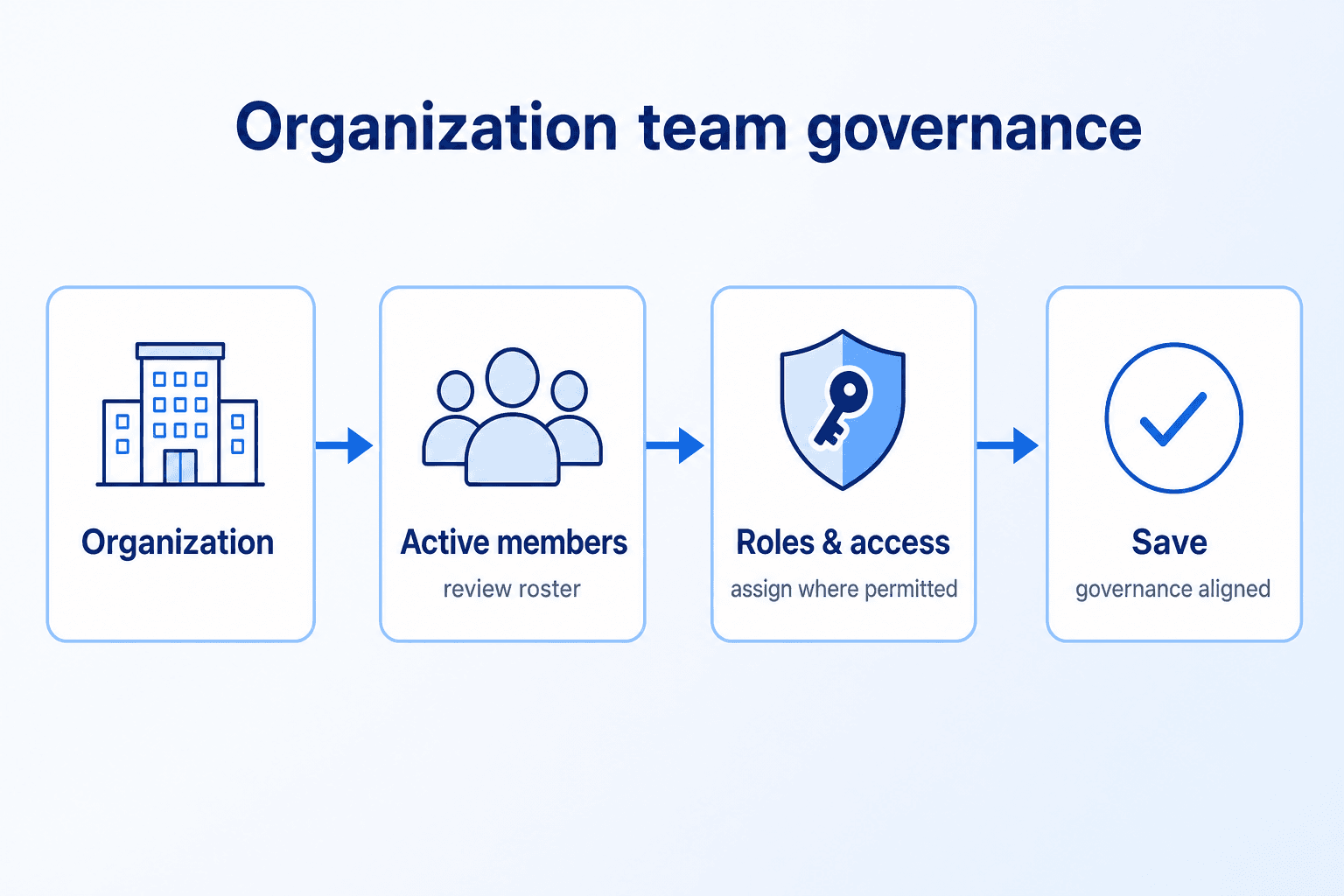
Manage organization-level access by reviewing active members, controlling invitations, and updating user roles to keep team governance accurate and up to date.
Use Invite to onboard new users, and use List of Users to review existing members and adjust role permissions when needed. For invitation behavior across organization, see .
Manage Access
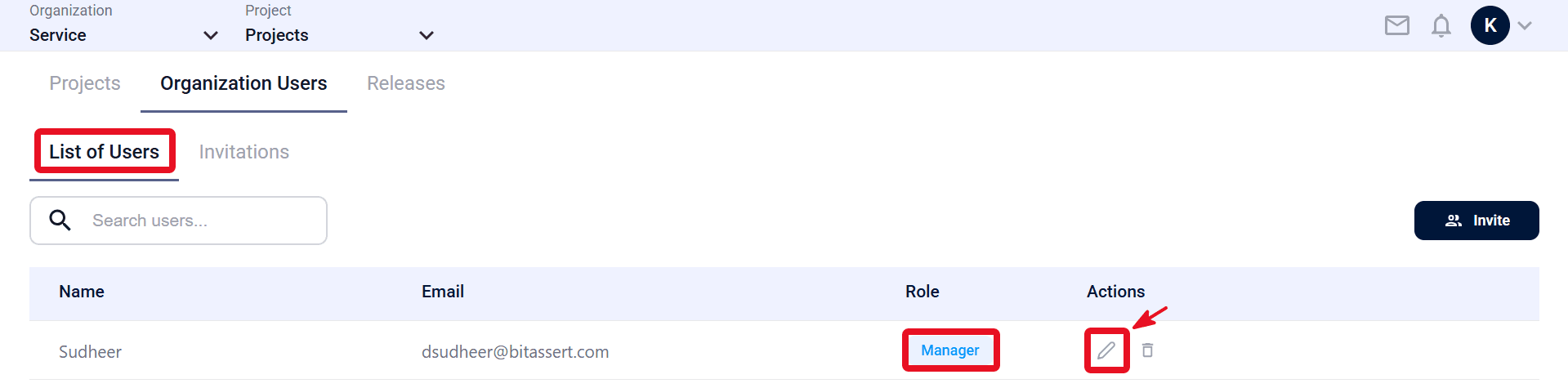
- Open the Organization Users tab, then go to List of Users to view active organization members.
- Review member records in the table (Name, Email, Role).
- In the Actions column, click Edit for the target user.
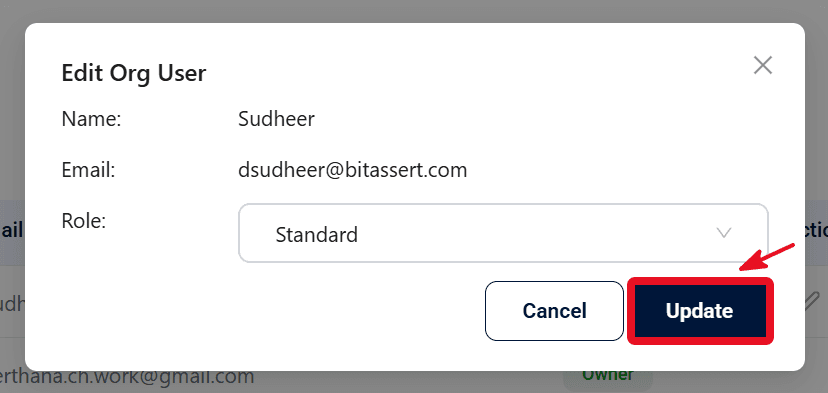
- Update the Role as required (for example: Standard, Manager, or Administrator), then click Update.
- Confirm the updated Role is shown correctly in List of Users.
Expected outcome
Active organization members are visible in List of Users, and updated roles are saved and reflected in the table.